
Best GaN Chargers for Phones, Tablets, and Laptops
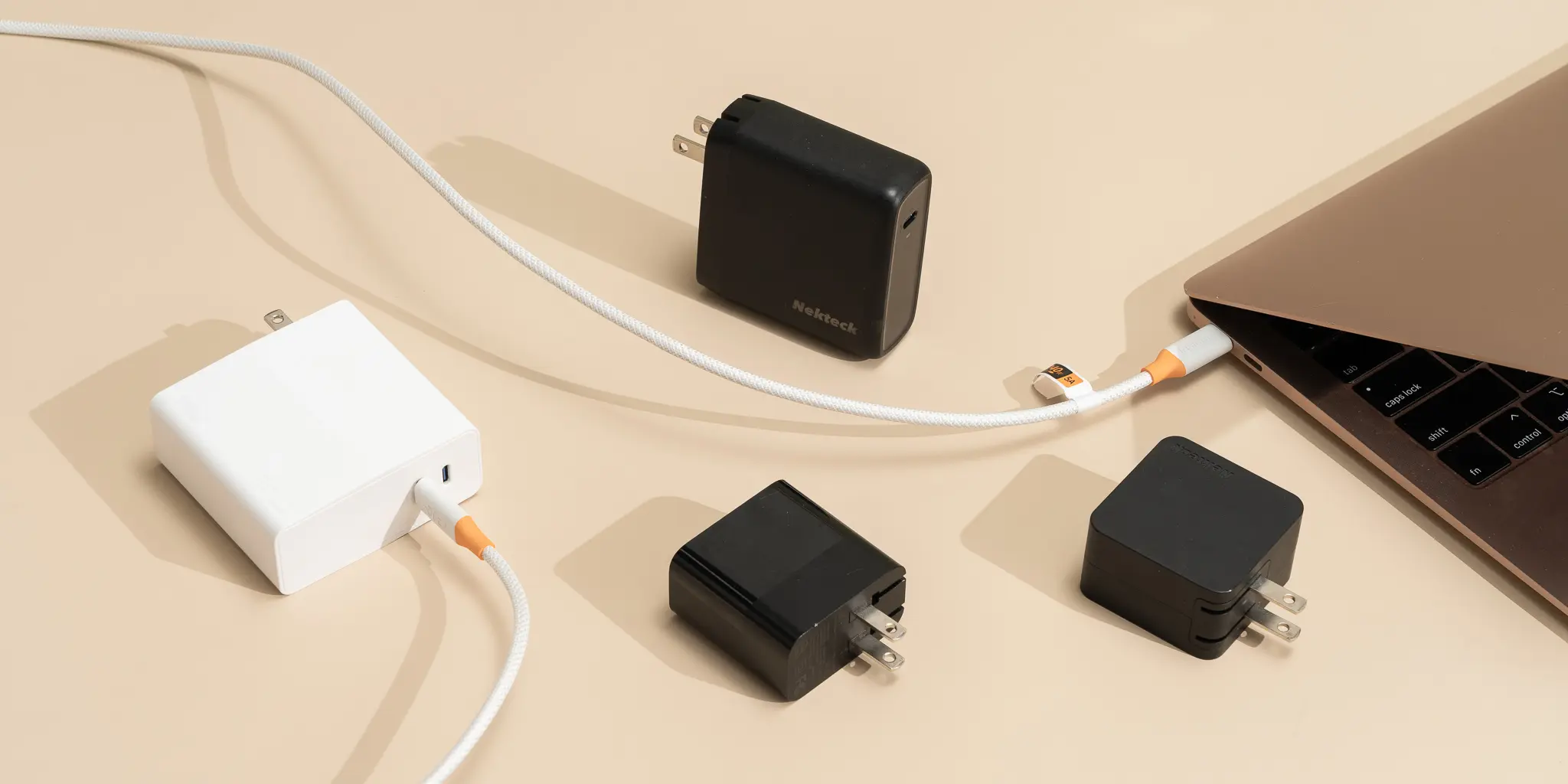
However, advertised wattage does not tell the entire story. A 140-watt charger may deliver its full output through one USB-C port but distribute considerably less power to each device when several ports are occupied. Charging protocols, cable ratings, port placement, and your laptop’s requirements are equally important.
The chargers below cover different needs, from lightweight travel to permanent multi-device desk setups. Prices and availability change frequently, so compare current offers before purchasing.
| GaN Charger | Best For | Total Output | Ports |
|---|---|---|---|
| Anker 140W 4-Port Charger | Best overall | Up to 140W | 3 USB-C, 1 USB-A |
| UGREEN Nexode Pro 160W | High-power multi-device charging | Up to 160W total | Configuration varies by version |
| Belkin BoostCharge Pro 140W | Business travel | Up to 140W | 3 USB-C, 1 USB-A |
| Satechi 200W USB-C GaN Charger | Desktop charging station | Up to 200W total | 6 USB-C |
| Anker Nano 100W | Compact single-device charging | Up to 100W | 1 USB-C |
What Is a GaN Charger?
GaN stands for gallium nitride, a semiconductor material used in modern power electronics. Compared with traditional silicon-based designs, GaN components can help manufacturers build smaller and more efficient high-power chargers.
GaN does not automatically make a device charge faster. Charging speed is determined by the charger’s output, supported charging standards, cable, and receiving device. Its practical advantage is delivering substantial power from a smaller enclosure while managing efficiency and heat.
1. Anker 140W 4-Port Charger: Best Overall
Best for: Professionals who want one charger for a laptop, phone, tablet, and accessory.
The Anker 140W 4-Port Charger combines three USB-C ports, one USB-A port, USB Power Delivery 3.1 support, and a built-in display.
The screen provides real-time information about power usage, port status, and temperature. This is more than a visual novelty: it can help identify whether a laptop is receiving the expected power or whether connecting another device caused the charger to redistribute its output.
A compatible laptop can receive up to 140 watts when the appropriate USB-C port and cable are used. The charger can also power four devices simultaneously, although its total output and per-port allocation change when several ports are active.
The Anker is the most balanced option for people who alternate between travel and desk use. It is powerful enough for many USB-C laptops while retaining legacy USB-A support for older cables.
Potential drawback: The display and multiport design make it heavier and more expensive than a basic single-port charger.
2. UGREEN Nexode Pro 160W: Best for High-Power Multi-Device Charging
Best for: Users charging a high-performance laptop alongside several smaller devices.
The UGREEN Nexode Pro 160W provides up to 160 watts of combined output. Its primary USB-C ports can deliver up to 140 watts to a compatible device when used under supported configurations.
This makes it suitable for larger USB-C laptops, tablets, smartphones, and accessories. Depending on the exact regional model, the charger may include four or five ports, so buyers should inspect the listing carefully rather than relying only on the product name.
The Nexode Pro is especially useful for hotel rooms, shared workspaces, and desks with only one convenient outlet. It can reduce the number of adapters required for a laptop, tablet, phone, and smartwatch.
Potential drawback: The full 160 watts is shared. Connecting several laptops does not mean every computer will receive its maximum supported charging speed.
3. Belkin BoostCharge Pro 140W: Best for Business Travel
Best for: Travelers who prioritize broad compatibility and a well-established accessory brand.
The Belkin BoostCharge Pro 140W 4-Port GaN Charger includes three USB-C ports and one USB-A port. It supports USB Power Delivery 3.1 and Programmable Power Supply, commonly called PPS.
PPS support can be important for obtaining faster and more efficient charging on compatible smartphones, including selected Samsung devices. The charger can also provide up to 140 watts through a compatible setup for high-powered USB-C laptops.
Its combination of current USB-C ports and one USB-A connection makes it useful when traveling with a mixture of new and older accessories. Foldable prongs are included on supported regional versions, but plug design varies by country.
Potential drawback: Belkin’s official price can be higher than competing chargers with similar headline output.
4. Satechi 200W USB-C GaN Charger: Best Desktop Charging Station
Best for: Permanent desks with several USB-C devices.
The Satechi 200W 6-Port GaN Charger is designed as a desktop charging station rather than a small adapter that hangs directly from a wall outlet. It offers six USB-C Power Delivery ports and up to 200 watts of combined output.
This format is useful for households, studios, and offices where several devices need to charge overnight. It can reduce cable clutter by replacing multiple adapters with one centralized unit.
The six USB-C connections make it more future-friendly than chargers that devote several ports to USB-A. It can serve laptops, tablets, phones, earbuds, and power banks, provided their combined requirements remain within the charger’s power-distribution limits.
Potential drawback: Its desktop format and separate power cord are less convenient for lightweight travel.
5. Anker Nano 100W: Best Compact Single-Port Charger
Best for: Travelers who normally charge one major device at a time.
The Anker Nano 100W USB-C Charger takes a simpler approach. It has one USB-C port and can deliver up to 100 watts to a compatible device.
It is a good choice for many compact laptops, tablets, handheld gaming systems, and smartphones. Because there is only one port, users do not need to understand complicated power-distribution tables.
The Nano also works well as a secondary travel charger. You can leave a larger multiport station on your desk and carry the smaller adapter when you only need to charge a laptop or phone.
Potential drawback: It cannot charge multiple devices simultaneously without an additional charging hub.
How Much Charger Wattage Do You Need?
- 30–45 watts: Suitable for most smartphones, many tablets, and some lightweight laptops.
- 65 watts: A practical starting point for ultrabooks and everyday USB-C laptops.
- 100 watts: Better for larger laptops or charging a computer and smaller device together.
- 140 watts: Suitable for compatible high-performance USB-C laptops using Power Delivery 3.1.
- 160–300 watts total: Useful for charging multiple laptops and accessories from one station.
Check the wattage printed on your original laptop adapter. A lower-powered charger may still work, but the laptop could charge slowly, stop charging under heavy workloads, or display a low-power warning.
Some gaming laptops and mobile workstations require proprietary adapters delivering 180 watts, 240 watts, or more. A USB-C GaN charger may provide convenient travel or standby charging without replacing the original power supply during gaming or demanding creative work.
Do You Need a New USB-C Cable?
The cable determines how much power can safely reach your device. For 100-watt charging, use a properly rated 5-amp USB-C cable. For USB Power Delivery 3.1 charging at up to 140 watts or beyond, select a compatible 240-watt EPR cable.
A charger capable of 140 watts will not provide that output through an unsuitable cable. Product listings should clearly state the cable’s supported wattage and data-transfer capability. Remember that a high charging rating does not automatically mean the cable supports fast data or video output.
What to Check Before Buying
- Total versus single-port output: Confirm both numbers.
- Power distribution: Review how wattage changes when two, three, or four ports are used.
- USB PD and PPS support: These protocols affect compatibility and charging speed.
- Included cables: Some chargers include a suitable cable while others do not.
- Plug stability: Heavy chargers may sit poorly in loose wall outlets.
- Regional plug design: Confirm whether travel adapters or replaceable plugs are included.
- Safety certification: Purchase from an established manufacturer and authorized retailer.
Frequently Asked Questions
Are GaN chargers safe for smartphones?
Yes, when the charger and cable comply with the correct standards. The phone negotiates the power it can accept rather than automatically receiving the charger’s maximum wattage.
Can a 140W charger damage a 20W phone?
A standards-compliant charger should supply only the power requested by the connected phone. Using a reputable charger and properly rated cable remains important.
Why does charging slow down when another device is connected?
Multiport chargers redistribute their available power when additional ports become active. Some devices may briefly disconnect and renegotiate their charging level during this process.
Final Verdict
The Anker 140W 4-Port Charger is the strongest all-round choice because it combines high output, four ports, and a useful status display. The UGREEN Nexode Pro 160W is better for demanding multi-device setups, while the Belkin BoostCharge Pro is a dependable travel-oriented alternative.
For a permanent workstation, the six-port Satechi 200W charger offers greater flexibility. Travelers who charge only one major device at a time can save space and money with the Anker Nano 100W.
Before buying, match the charger to your laptop’s actual power requirement and include the cost of an appropriately rated cable. The right GaN charger can replace several adapters, but only when its port configuration and power-distribution rules match how you use your devices.